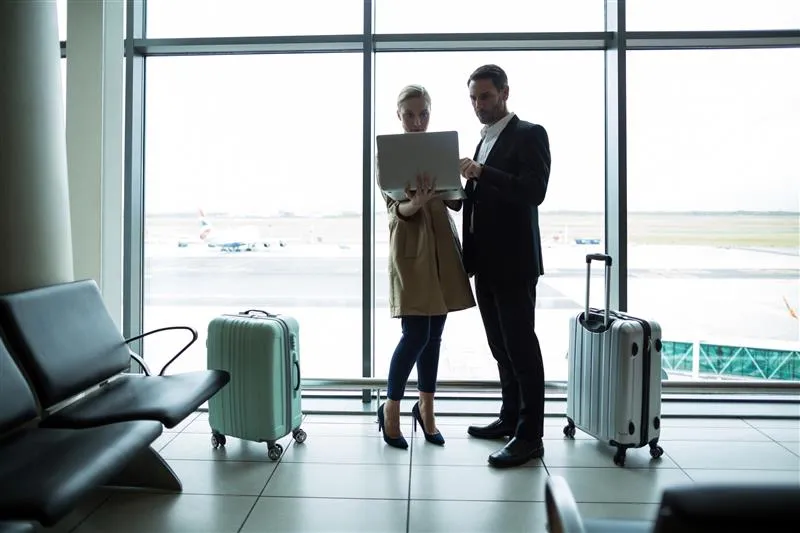
Teams across Canada are more scattered than ever, shifting between offices, job sites and home desks over the course of a single day. A phone system designed around one desk phone does not match how people work today, and that becomes obvious each time a caller is left hanging until the right person gets back to their seat.
Call Park Lets Anyone Grab a Waiting Call

Call Park tackles the handoff problem head on. Rather than sending a call to one particular phone and crossing your fingers that the right person is there, you place it in a shared waiting spot that any teammate can retrieve from any extension. The front desk answers and parks the call, and a moment later the right person picks it up from a meeting room, another floor or a completely different office.
Nobody fumbles through a transfer, the call never rings out at an empty desk, and the caller does not have to explain everything again to someone new. The call just waits until the right person is ready. You can learn more in our guide to call park versus call transfer.
The Advanced UC Softphone Puts the Office in Your Pocket

Call Park fixes the handoff, but someone still has to be close to a phone to take the parked call. The Advanced UC Softphone lifts that restriction completely. It turns a laptop or mobile device into a complete business phone line, so people can answer, transfer or pick up calls from wherever they are working that day.
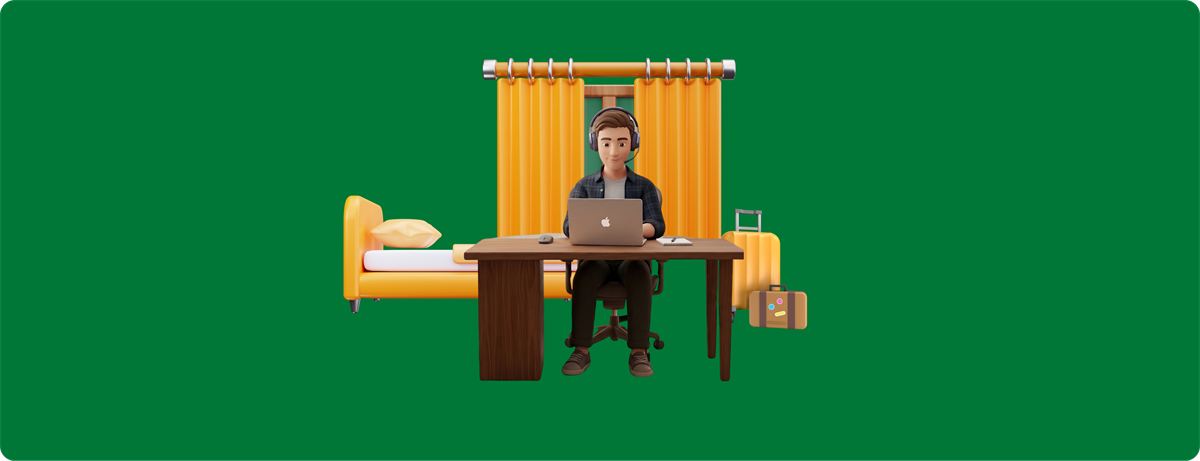
When a team travels between locations, works from home part of the week or spends long stretches away from a desk, the office phone system now goes where they go. Retrieving a parked call no longer means sitting at a certain extension. It just means being signed in to the softphone.
How the Two Work Together

On its own, each tool handles one piece of the problem. Call Park gives the call a place to wait, and the Advanced UC Softphone lets people answer from anywhere. Combined, they take location out of the equation altogether. Whoever answers first can park the call, and the right person can pick it up no matter which building, room or city they are in that day.
Take a consulting firm in British Columbia whose staff divide their time among client sites, the office and home. A client phones with an urgent question, and the consultant best placed to answer is in a meeting on the other side of town. Someone at the office answers and parks the call, and the consultant picks it up on their laptop between meetings, nowhere near a desk phone. The client stays on the line the whole time, never repeats themselves and never waits on a callback that might not happen.
See How It Could Work for Your Team
If your people spend as much of their day away from their desks as at them, it is worth looking at how these tools could fit into your current setup. Contact RBI Cloud Connect and we will walk through what coverage could look like for your team.
Frequently asked questions
Do I need to be at a desk phone to pick up a parked call?
No. With the Advanced UC Softphone, anyone signed in on a laptop or mobile device can pick up a parked call from wherever they are working.
Does the caller have to repeat themselves when a call is parked?
No. The call simply waits in a shared holding spot until the right person picks it up, so the caller does not need to explain things to a second person or wait for a callback.