Now repeat that for every call, every day, for everyone on your team. The total is a surprising number of client conversations that very nearly never took place.
What a Desk-Bound Phone Really Costs You

The typical phone system is built on the idea that you are seated beside your desk phone. Walk away for even a couple of minutes and that idea falls apart. Calls ring out, clients land in voicemail, and whether the conversation happens at all comes down to someone being in the right spot at the right moment.
A growing business pays for that. Each missed client call is a lost opportunity to help, to win the sale, or just to show up when it counts.
How the Advanced UC Softphone Closes the Gap

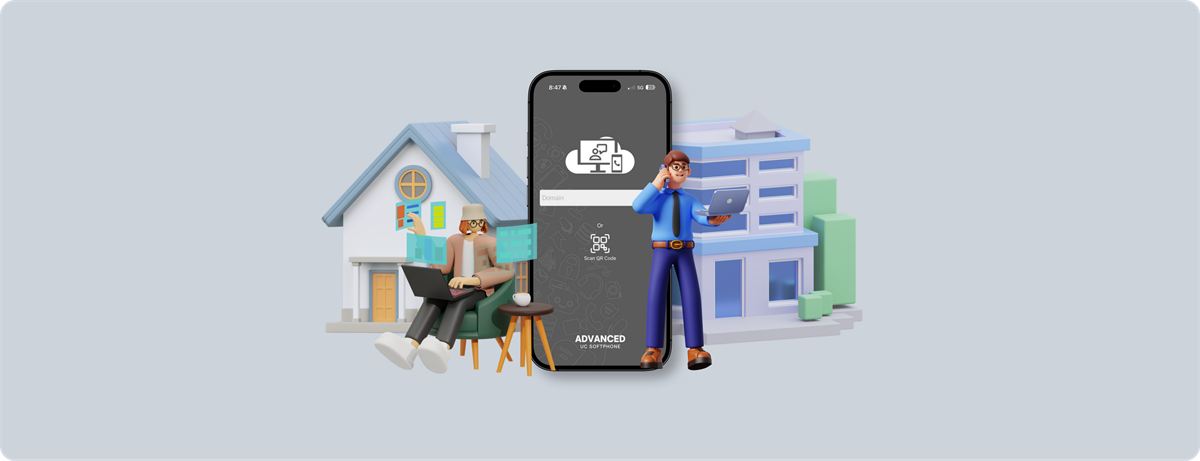
The Advanced UC Softphone isn't a separate line. It registers as an extension of your office number, and that small detail makes all the difference.
- Calls reach you on more than your desk phone. A client dialling your office number sets your desk phone and the Advanced UC Softphone app on your mobile or computer ringing together.
- Pick up from wherever you are. Away from your desk? Answer on your phone or laptop and the call connects just as it would in the office.
- Callers can't tell the difference. Whatever device you answer on, your office number and caller ID don't change, so clients get the same consistent, professional experience.
- Switch devices during a call. Answered on your mobile and then made it back to your desk? Move the live call across without hanging up and dialling again.
Learn more on our UC Softphone page.
A Typical Day With Parallel Ringing
Imagine a staff member popping out for coffee just as a client rings the main office line. The call doesn't end up in voicemail. It rings right through to the phone in their pocket, and they take it as though they never left their chair.
Or think of a small team whose members divide their days between the office and the road. With the Advanced UC Softphone, a call to any of their extensions stands a genuine chance of being answered, wherever that person is at the time.
A Small Change With a Big Payoff

The point isn't to be on call around the clock. The point is that when someone does phone you, stepping away from your desk shouldn't be what sends them to voicemail when they could be speaking with you.
Across a busy team, the result is fewer missed calls, fewer callbacks and many more conversations that happen on the first try rather than the second.
Close One More Gap in Your Day
Nobody is going to call parallel ringing the most thrilling feature on the list. Still, for a team that can't afford to lose a client call simply because someone stepped out, the Advanced UC Softphone fixes one of those small, ever-present gaps that make a hectic day feel even more hectic. Contact RBI Cloud Connect to set it up for your team.
Frequently asked questions
Does the Advanced UC Softphone use a separate phone number?
No. It registers as an extension of your office number, and your office number and caller ID stay the same whichever device you answer on.
Can I move a call from my mobile to my desk phone?
Yes. You can switch an active call between devices without hanging up and starting again.