
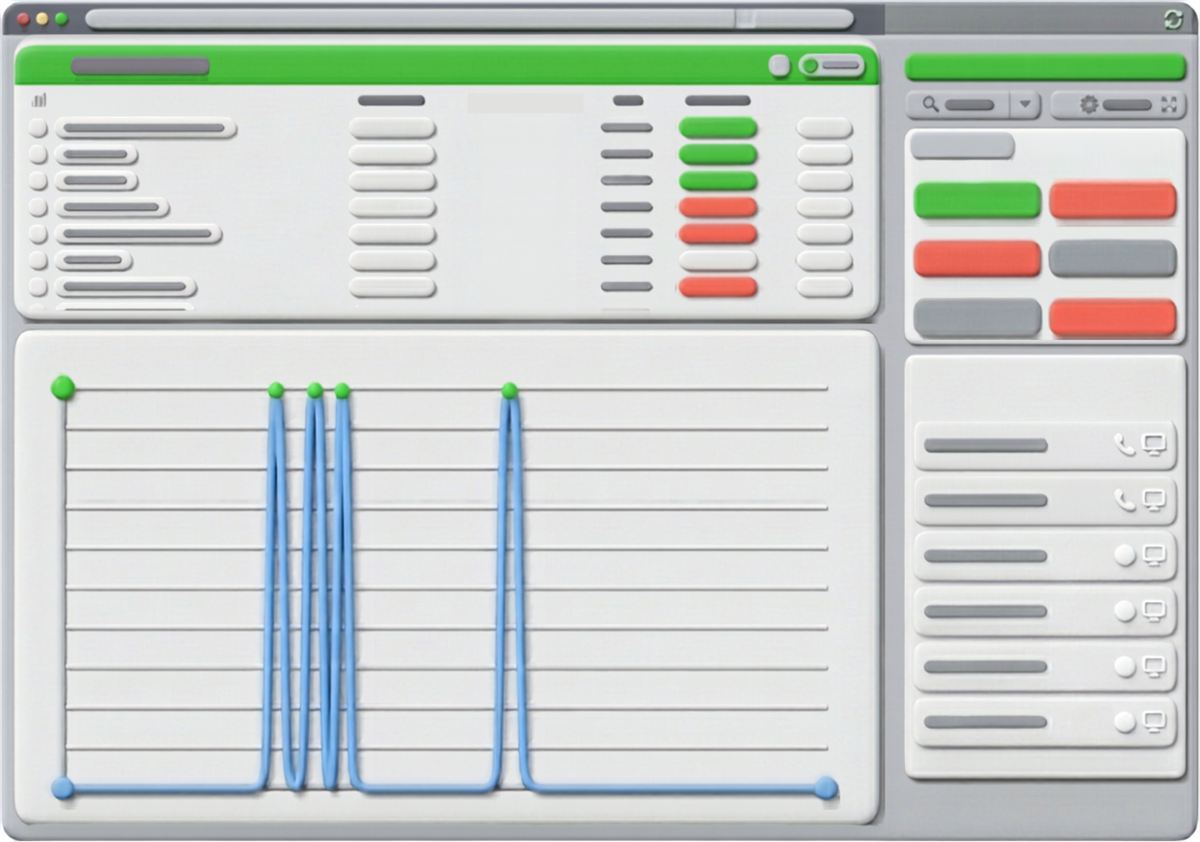
Callers have less patience than they once did. In a single afternoon, one person might phone you, send a text and open a live chat, and they assume the next person they reach already knows what was said before. Going into 2026, that assumption is redefining what counts as good service.
Defining the Contact Centre Experience

The contact centre experience is how well an interaction goes for everyone involved, the customer and the agent alike, from the moment the phone rings until the problem is solved. It also covers the behind-the-scenes tools and processes that decide whether an agent can sort something out quickly or spends the call wrestling with software that was supposed to make the job easier.
It helps to separate three ideas. Customer service is reactive: you answer a question or fix an issue as it comes up. Customer experience (CX) is broader and spans everything a customer goes through with your brand over time. Agent experience deserves equal attention. When agents work with old tools or flip between apps that don't talk to each other, they tire out sooner, and you will see it in the quality of their calls well before anyone hands in notice.
Why 2026 Raises the Stakes

- People want speed plus an obvious way to reach a human. Self-service works for simple requests, but when an issue gets tricky, a slow or confusing path to a live agent is a dealbreaker.
- Waiting is now something customers actively notice. Silence on the line, vague hold messages and transfers that force them to begin again all register.
- Tired agents leave. Staff turnover directly and measurably affects how consistent your service is.
- Smaller businesses in Canada are held to the standard of far bigger companies, even though they lack the budget and staff those companies have.
Getting the contact centre experience right keeps customers coming back, lifts agent morale, builds your reputation before a single review is posted, makes operations run more efficiently, and gives you a genuine advantage when your price and product are similar to a competitor's.
Inside the RBI Cloud Connect Cloud Contact Centre

Shared call queues
Incoming calls wait in a queue and are handed to an agent using the method you choose: round robin to the person who has been free the longest, ring-all, or another option. You can give every queue its own hold music and messages, so nobody waiting for the next agent sits in silence. With the callback option, a customer who would rather not hold can hang up and receive a call back without giving up their spot.
Auto attendants that let callers help themselves
Using spoken prompts or the keypad, callers can get to the correct department or find the answer to a frequent question without waiting for an agent. Routine requests are taken care of automatically, which frees agents for the conversations that really need a human.
Transfers that keep context
If a call has to go to another agent or another location, a call announcement briefs the person receiving it before the customer is connected. That way the customer isn't stuck repeating their whole story.
Live and historical reports
Reporting covers call volume, calls handled, average talk time, average wait time, abandoned calls and service level, meaning the share of calls answered inside your target time. You can view these numbers for the entire contact centre, one queue or a single agent, and live wall boards show supervisors exactly what is happening in the queue at this moment.
Recording, transcription and sentiment analysis
Every conversation holds useful details that tend to disappear when the call ends, and replaying recordings one after another simply doesn't scale. Recorded calls can be transcribed to text automatically and separated by speaker, so a supervisor can see what happened without listening to the whole thing again. Voicemail works the same way: switch on transcription and messages arrive as text you can read instead of audio you have to play.
Sentiment analysis sits on top of the transcript and scores it. Because it works from the words only, not from tone of voice, it labels parts of the conversation as positive, neutral or negative and adds them up, for instance two neutral sections, three positive and one negative. Treat it as a quick way to pick out calls that deserve a closer listen, not as the last word on how a call went. Used together, transcription and sentiment make call review a routine rather than an occasional spot check, helping supervisors find coaching opportunities and notice an unhappy customer before a complaint lands. Both are paid add-ons that you switch on for each user in the portal.
Room to grow in the cloud
Since the contact centre runs in the cloud, it expands as your business does. Bringing on extra agents for a busy season or launching service in a new location needs no new equipment and no rebuild.
None of these tools stand in for good people. What they do is guard your agents' time for the calls that need a person, and give supervisors the visibility to spot a struggling queue before it turns into a complaint. You can read more on our contact centre features page.
See the Difference for Yourself
A better contact centre experience doesn't come from a single headline feature. It comes from hold messages that keep customers informed, a callback in place of a long wait, transfers that carry the context along, and reports that tell supervisors where to step in. Put together, they protect what really keeps customers loyal: the sense that the call was worth making. Talk to RBI Cloud Connect to see how it would work for your team.
Frequently asked questions
Can a caller avoid waiting on hold?
Yes. With the callback option, a caller can hang up and get a call back instead of losing their place in the queue.
Does sentiment analysis listen to the caller's tone of voice?
No. It scores the call transcript from the text alone, rating segments as positive, neutral or negative, so it is best used to flag calls worth reviewing.
Are transcription and sentiment analysis included by default?
They are billable add-ons that are turned on per user from the portal.